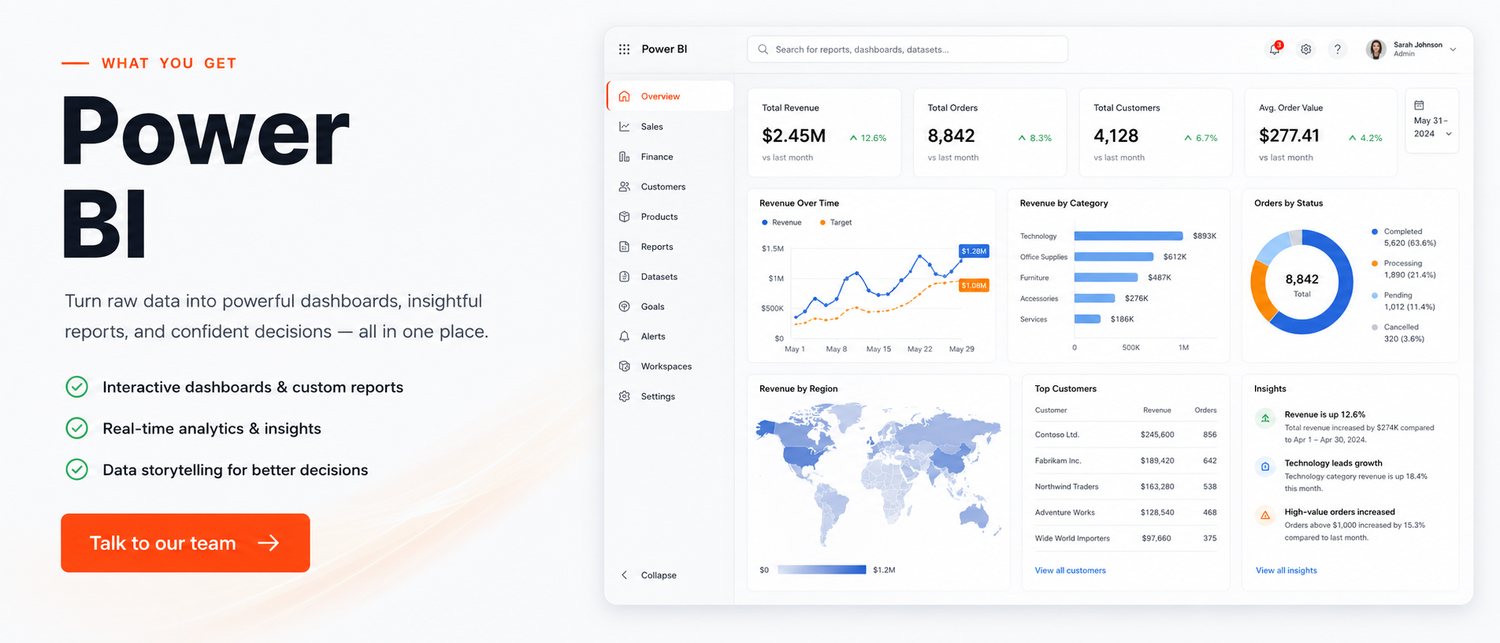
The details that decide whether people actually use the system after week two.
Tally, SAP, SQL, Excel, Google Sheets, your web app — combined into one model.
Designed around the questions your managers ask, not every chart Power BI can draw.
Scheduled refreshes so nobody is exporting spreadsheets on Monday morning.
Reports on the phone and in the inbox, so decisions do not wait for a laptop.
Branch managers see their branch; the owner sees everything. One report, correct permissions.
We train your team to change and extend reports so you are not dependent on us.
A few situations where this has already made a measurable difference.
A 12-store retailer replaced 3 days of manual consolidation with a live sales dashboard by store, category and hour.
A fleet operator now spots loss-making routes within the same week rather than at year end.
A hospital group tracks occupancy, revenue per department and pending claims on one screen.
A short, predictable path — you always know what happens next.
We start with the decisions you need to make, not the data you happen to have.
Clean, join and structure the sources so the numbers reconcile.
Draft dashboards reviewed with the actual users, then refined.
Scheduled refresh, distribution and handover training.
The things clients ask before they commit.
Power BI Desktop is free to build with. Sharing dashboards usually needs Power BI Pro per user, which is inexpensive; we will confirm exactly what you need before you buy anything.
Yes. We regularly pull from Tally, along with SQL databases, Excel, Google Sheets and web applications.
A first working dashboard is typically live within two to four weeks, depending on how clean the source data is.
That is normal and part of the job. Cleaning and reconciling is usually the larger half of the work, and we will tell you what needs fixing at source.
Send us your requirement and we'll come back with an honest scope, a fixed price and a timeline — usually within one business day.
Get a Free QuoteHi there! 👋
Have a question about your project, pricing or timeline? Talk to a real person on WhatsApp — no bots, no forms.

