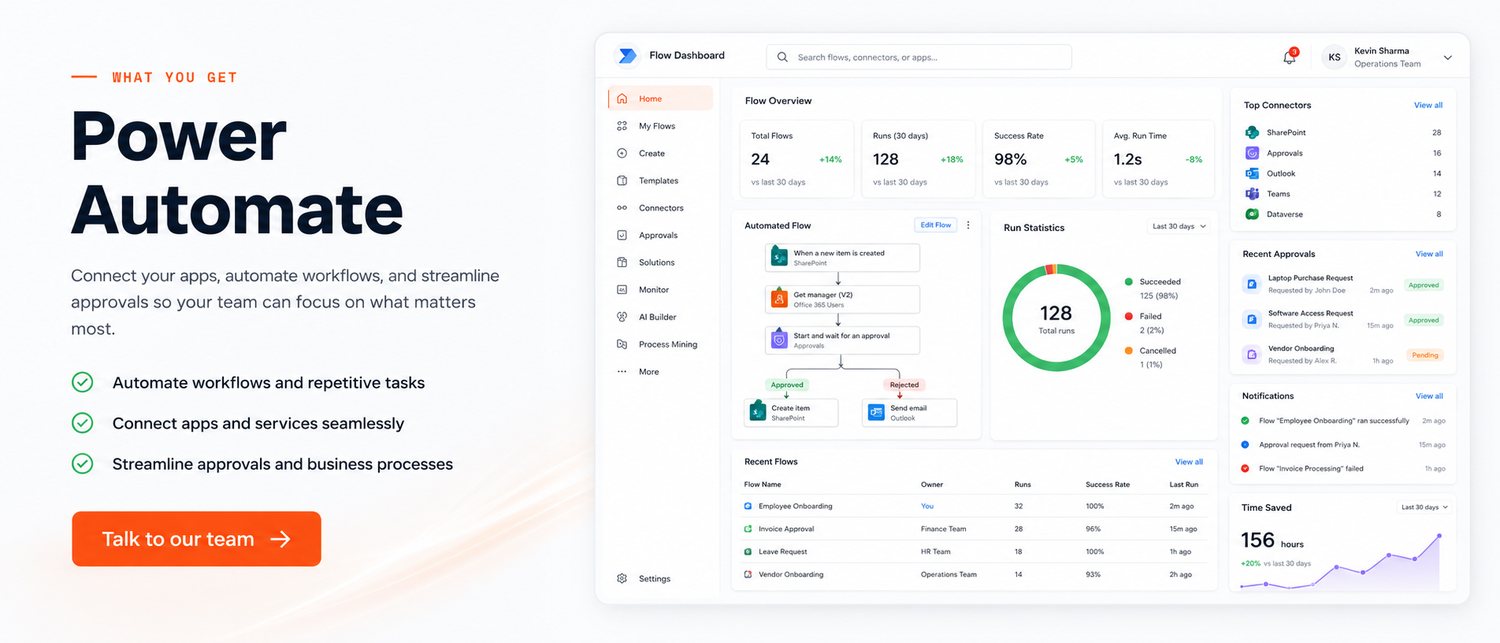
Microsoft Power Automate flows that move information between the tools you already pay for — approvals, alerts, file handling and data sync, running quietly in the background.
The details that decide whether people actually use the system after week two.
Leave, purchase and expense approvals routed automatically, with reminders for whoever is sitting on it.
SharePoint, Outlook, Excel, Teams, Dynamics, Forms and hundreds of third-party services.
Save attachments, rename and file them, and trigger the next step without anyone watching the inbox.
Nightly syncs, weekly reports and month-end routines that run whether or not someone remembers.
Notify the right person in Teams or WhatsApp when something needs attention.
Documented, named and structured so your own team can adjust flows later.
A few situations where this has already made a measurable difference.
Leave requests now route to the right manager with reminders — approval time fell from days to hours.
Vendor invoices arriving by email are filed, logged in Excel and pushed for approval automatically.
Website enquiries create a CRM record, notify the owner in Teams and trigger a follow-up sequence.
A short, predictable path — you always know what happens next.
We watch the current steps and count the clicks.
Triggers, conditions, approvals and what happens when something fails.
Built with your real data, tested against the awkward cases.
Documentation and training so your team can extend it.
The things clients ask before they commit.
They overlap. Power Automate is ideal when apps have proper connectors and APIs. Full RPA is for driving screens of software with no integration options — we advise on which fits, and often use both.
Most useful flows assume Microsoft 365, though many connectors work independently. We will confirm licensing before recommending anything.
Simple flows take days. Multi-step approvals with exception handling take two to three weeks.
Yes — that is a large part of why we recommend Power Automate. We document each flow and train your team.
Send us your requirement and we'll come back with an honest scope, a fixed price and a timeline — usually within one business day.
Get a Free QuoteHi there! 👋
Have a question about your project, pricing or timeline? Talk to a real person on WhatsApp — no bots, no forms.

